AI TOOL / #09926
MacGaiver
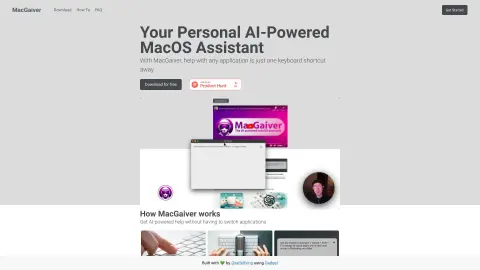
An AI-powered macOS assistant that uses computer vision to answer questions regarding any application.
Introduction
AI-powered macOS assistant that answers questions about any application using computer vision.
What is MacGaiver?
MacGaiver is an AI-powered macOS assistant that utilizes computer vision to answer questions regarding any application. By pressing a keyboard shortcut and posing your question, you can get assistance without leaving the current window. MacGaiver uses the OpenAI Vision API to provide answers in the context of your query.
How to use MacGaiver?
In any application, you can activate MacGaiver using keyboard shortcuts to submit your question—either in audio or text form. MacGaiver will then respond using answers derived from the context, relying on OpenAI GPT-V for its functionality.
The core features of MacGaiver
Provide AI-powered assistance within any macOS application.
Utilize computer vision to provide context-based answers.
Activate keyboard shortcuts
Integration with the OpenAI Vision API
Related
Percent Human: Detect ChatGPT AI Content
An AI plagiarism detection tool for detecting content generated by ChatGPT and GPT-3.
Hive AI Detector
A free browser extension designed to detect AI-generated content across various media formats.
Choice
AI-powered tools for transcription, dubbing, content moderation, and subtitle generation.
Kaini – YouTube Scene Change Detector
Automatically block YouTube videos that feature rapid scene changes.
Deep Fake Detector
Real-time detection of deeply forged videos and audio is available within the event browser tab.
Lasso Moderation
An artificial intelligence-based content review platform designed to protect brands and enhance user experiences.