AI TOOL / #07146
ImageToText
An extension that copies text from images on the internet via the OCR.Space API.
Introduction
An extension to copy text from images on the internet using OCR.Space API.
What is the OCR.Space API AI Chrome extension/plugin?
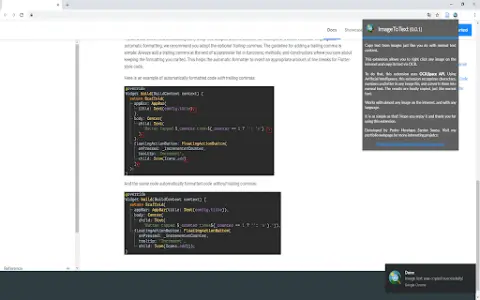
This extension lets you copy text from any image on the internet just like regular text content. Simple—that's the goal of this app. Just right-click the image, select “Copy Image Text,” and you're done… You can use and paste the text you see in that image. It's very useful for extracting text from informative, entertaining, and code-block images. Now you don't have to rewrite everything—with this extension, the problem is solved. To process images, this extension uses the OCR.Space API.
How do I use the OCR.Space API AI Chrome extension/plugin?
Right-click an image, select "Copy Image Text," and then paste the extracted text.
Core features of the OCR.Space API AI Chrome extension/plugin
Copy text from images on the internet.
Related
AI Parabellum
A free tool for estimating OpenAI API costs in 2025.
ZeroTrusted.ai
ZeroTrusted.ai provides AI security solutions including LLM firewall and AI governance.
PordaAi – RealTime HaramBlur
AI-powered tool that blurs haram content in images and videos in real time.
Positional
A modern set of tools for SEO and content marketing, designed to assist content teams in their work.
AI Content Detector Extension
Free AI content and ChatGPT plagiarism detector.
UncovAI Extension
UncovAI uses mathematical assumptions to detect generated AI text, offering efficient and sustainable solutions.