AI TOOL / #07091
ScreenRedact
A Mac application designed to use local machine learning techniques to identify and highlight text within images.
Introduction
Mac app for redacting text in images using on-device machine learning.
What is ScreenRedact?
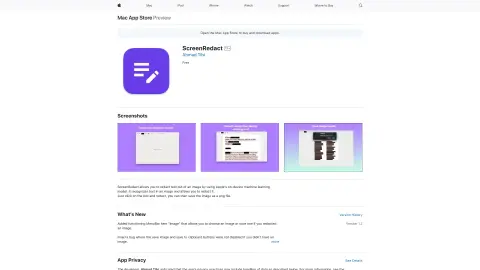
ScreenRedact is a Mac application developed by Ahmad Tibi that allows users to quickly conceal sensitive information from images. It utilizes Apple’s native machine learning technology to identify text within images and provides a user-friendly interface for masking those areas. The modified images can then be saved in PNG format.
How to use ScreenRedact?
Open an image in ScreenRedact, and the application will automatically detect any text present. Click on the text to darken it. Save the darkened image as a PNG file.
The core functions of ScreenRedact
Using Apple’s native machine learning technologies for text masking/darkening.
Save the image in PNG format.
Copy the image to the clipboard.
Save the image in PNG format.
Copy the image to the clipboard.
Related
SpongeHome
An app that uses AI-powered companionship and fun activities to help relieve stress and improve emotional well-being.
Spillmate
An AI-based mental health assistant that provides therapeutic support and emotional assistance through conversations.
TRIPP
An artificial intelligence-powered mental health platform that focuses on mindfulness and perspective transformation.
Value on Board
Valueonboard provides no-coding enterprise solutions and AI-powered industry applications.
LangTest
An artificial intelligence platform used for creating and managing AI robots and digital twins.
Food Check
AI-powered food scanner for nutritional, allergen and dietary information.