AI TOOL / #10766
Transcribe YouTube Video
Chrome extension for YouTube transcription, summarization and navigation.
Introduction
Chrome extension for YouTube transcription, summarization, and navigation.
What is Transcribe YouTube Video ai chrome extension/plugin?
Transcribe YouTube Videos is a Chrome extension designed to enhance your YouTube experience by transcribing videos, extracting subtitles, providing summaries and easy content navigation. It uses artificial intelligence technology to transcribe and summarize videos in multiple languages, allowing users to quickly obtain and utilize information in YouTube videos.
How to use Transcribe YouTube Video ai chrome extension/plugin?
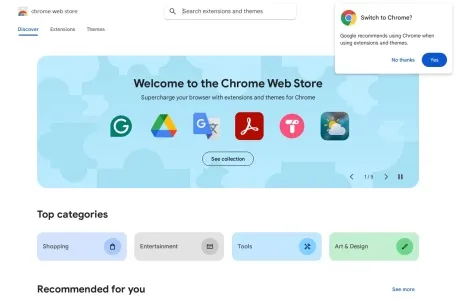
1. Install the extension from the Chrome Web Store.
2. Open any YouTube video.
3. Access the extension panel for transcripts, AI summaries, and time navigation.
4. Download or copy the text as needed.
Transcribe YouTube Video ai chrome extension/plugin core features
AI-driven transcription and summarization
Multi-language support
Time navigation with timestamps
Downloadable transcription document
Copy transcript to clipboard
Related
Picker AI
AI-based photo selection apps help identify photos that have high potential for interaction.
SwingHub
Social media platform for coup...
Roast Dating
ROAST helps users improve their dating profiles, thereby increasing the number of matches they receive and enhancing their overall dating experience.
Flirt Wizard
An AI-based dating app for personalized pickup lines and profile optimization.
Rednit
Rednit is a conversational assistant that provides responses and suggestions.
WooWell
Woowell uses AI to enhance the profiles and conversations within its dating app.