AI TOOL / #10711
Real-Time Video & Audio Translation
An AI-powered real-time translation and transcription extension for Chrome, capable of handling multi-language content.
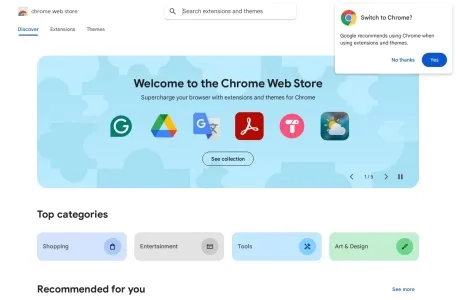
Introduction
AI-powered real-time translation and transcription Chrome extension for multilingual content.
What is the Byrdhouse AI Chrome extension/plug-in?
Byrdhouse AI is a Chrome extension that offers AI-powered real-time translation and transcription capabilities, suitable for use with videos, audio files, conversations, and podcasts. It supports over 100 languages, enabling users to overcome language barriers when consuming content on platforms such as YouTube, Twitch, Google Meet, and Discord.
How to use the Byrdhouse AI Chrome extension/plug-in?
Install the Byrdhouse AI Chrome extension, create an account, assign it to your browser, and open the content you wish to view (such as a YouTube video or a Google Meet session). Click on the icon to activate the translator and switch it on; then select your desired language to enjoy real-time translations that will be displayed directly over the content. Remember to turn off the translator when you are not using it to save on translation credits.
The core functions of the Byrdhouse AI Chrome extension/plugin
Real-time video translation
Real-time chat translation
Translation of audio and podcasts
conference interpretation
Live broadcast event
Supports over 100 different languages.
Related
New CutBay
Dialogue-based AI video agent
New CapyScout
Automatically find customers' AI sales agents
The new kdpbook.io
Amazon KDP generates AI-generated books for self-publishing.
The new Famebase
AI-based virtual influencer creation and monetization platform
new ToDo.is
A to-do list that will help you get things done automatically, just like a clock’s spring mechanism.
New Lection
A browser extension that allows you to extract web data simply by typing a few words