AI TOOL / #10696
CANVID for Windows
Screen recording tool with auto-enhancement to easily create professional videos.
Introduction
Screen recording tool with automatic enhancements for creating professional videos easily.
What is Canvid?
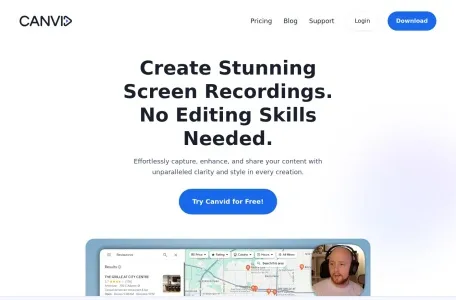
Canvid is a screen recording tool designed to easily capture, enhance and share screen recordings. It offers features like smooth mouse movement, auto-zooming, cinematic motion blur, and background effects, making it ideal for creating high-quality presentations, tutorials, and promotional videos without advanced editing skills.
How to use Canvid?
Capture the screen with just one click, enhance it with auto-zoom and AI background effects, add subtitles, and finally share the finished video instantly via cloud upload or local save.
Canvid’s core features
Auto scaling
AI background effect
Automatic subtitles and transcriptions
Simple screen recording
Share instantly
AI enhanced speech
Creative camera features
AI background effect
Automatic subtitles and transcriptions
Simple screen recording
Share instantly
AI enhanced speech
Creative camera features
Related
Two Way Voice for ChatGPT
Voice interaction extension provided for ChatGPT, supporting hands-free conversations.
Talk GPT
GPT-enabled voice chat extension with speech-to-text, text-to-speech, and conversation enhancements.
Newt
An AI-integrated storytelling platform with reading, writing and audiobook functions, supporting offline use.
Altered
A voice artificial intelligence platform that offers features for voice alteration, cloning, and content creation.
Readio
Readio converts PDF files into audiobooks, and its interface is simple and intuitive.
Xpeacho
An AI text-to-speech platform for video creators, offering human voiceovers.